Install NetData on OpenWrt Luci
By Mark Vella-West on September 28, 2025
BeginnerNetData is a brilliant Internet & Ethermet Monitoring Tool for OpenWrt Luci.
Follow the steps below to download and install Netdata:
opkg updateopkg install netdata
OR VIA LUCI:
- Login to the Gateway Luci Admin Portal
- Select Software, then click Update Lists
- Once updated, select Available and search for 'netdata'
- Click 'INSTALL' on netdata and allow the installation to complete
- Open a New Tab and browse to GatewayIP:19999 [ie http://172.16.100.254:19999/#menu_net_submenu_br-guest;theme=slate ]
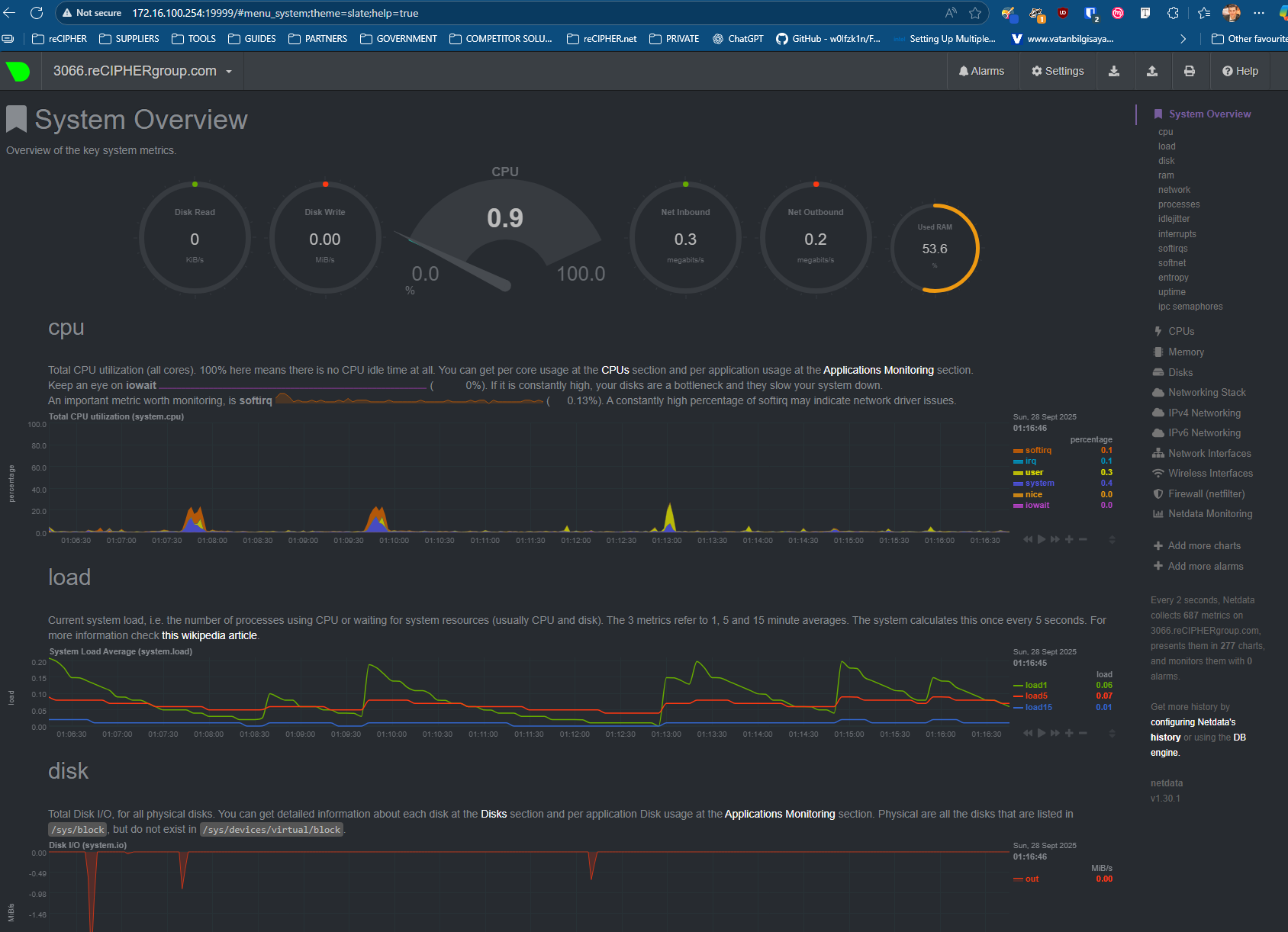
- You should now see the following page:
Was this article helpful?
More articles on OPENWRT